Managing my Squarespace domain registered through Entri
Last updated: May 22, 2026
When registering a domain in Squarespace through Entri, Entri will be responsible for your billing; however, any other inquiries related to the Squarespace account must be supported by the Squarespace team. This means you will have one account for billing and one account for managing your domain.
You should reach out to the Entri team if you need help with:
Removing auto-renewal
Access your billing information
Update the credit card on file
Manage domain renewals
You should reach out to Squarespace if you need help with:
Add DNS records for any other service that is not related to Entri's partner
DNS records propagation
Support with any of their products (email, website builder)
Email verification
For managing your domain, you will need to access your Squarespace account. On your first access to the Squarespace account, you will need to create your password by following these steps:
Go to Squarespace login page.
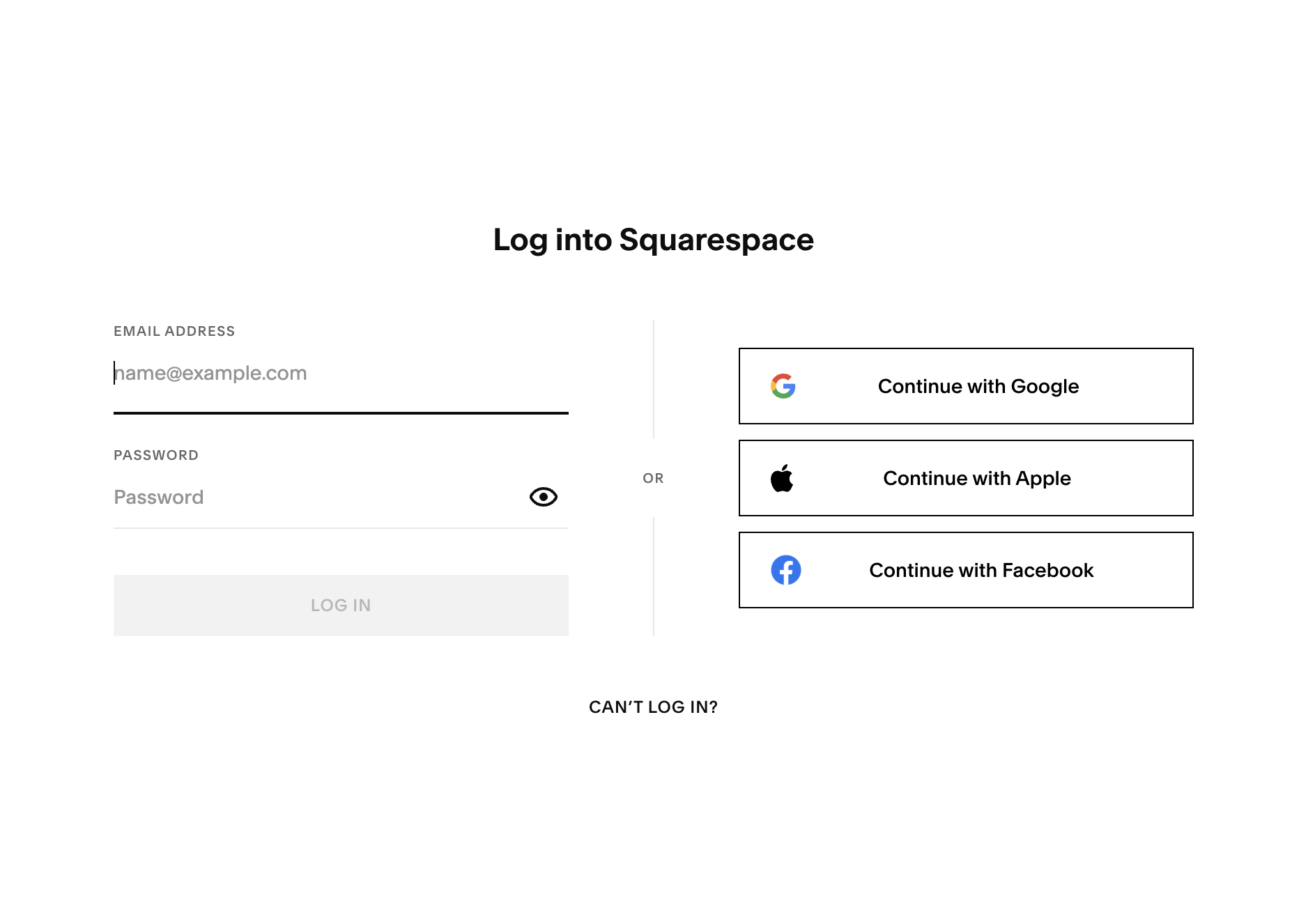
Click on Can't Login?.
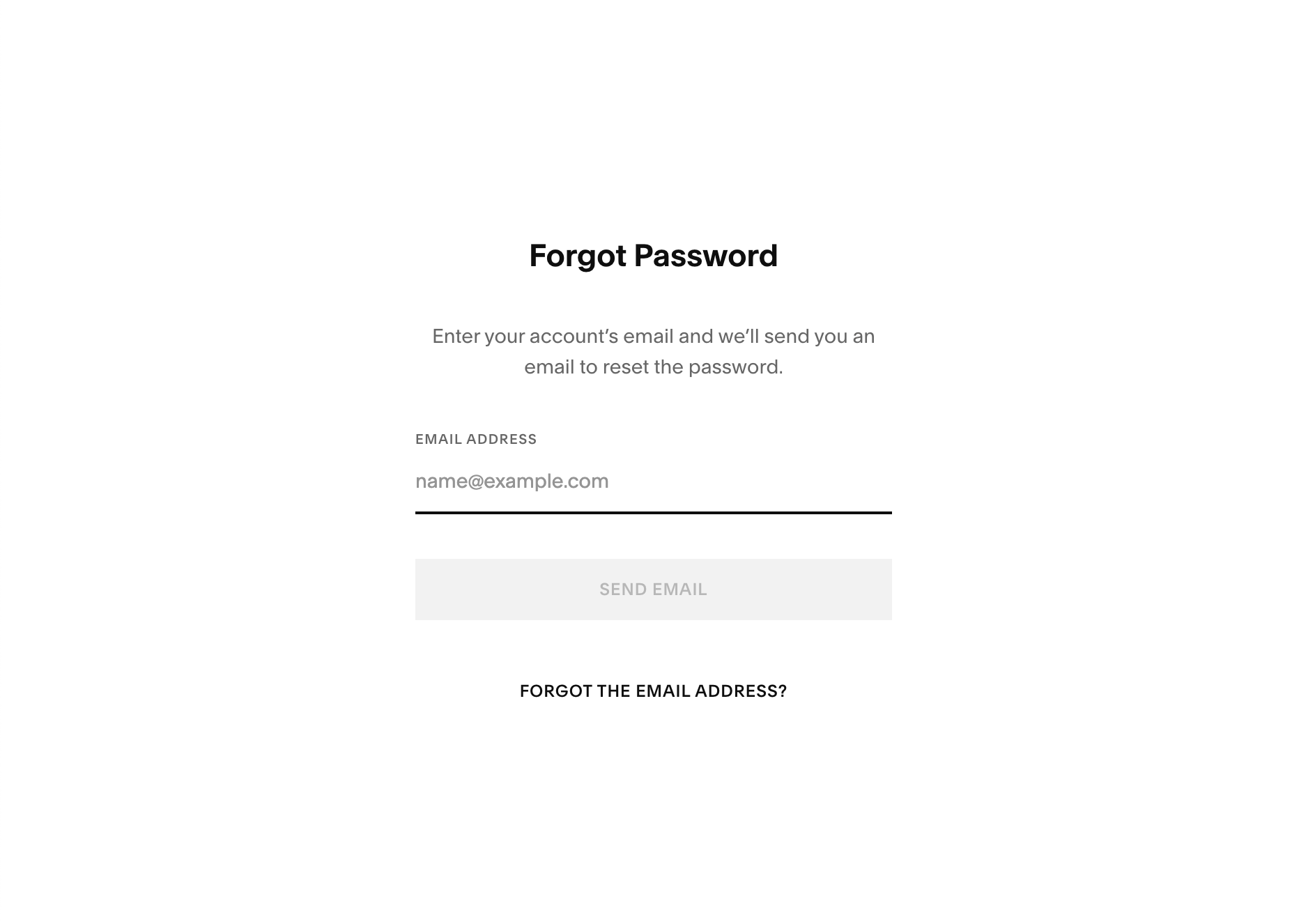
Type the email you used to register your domain
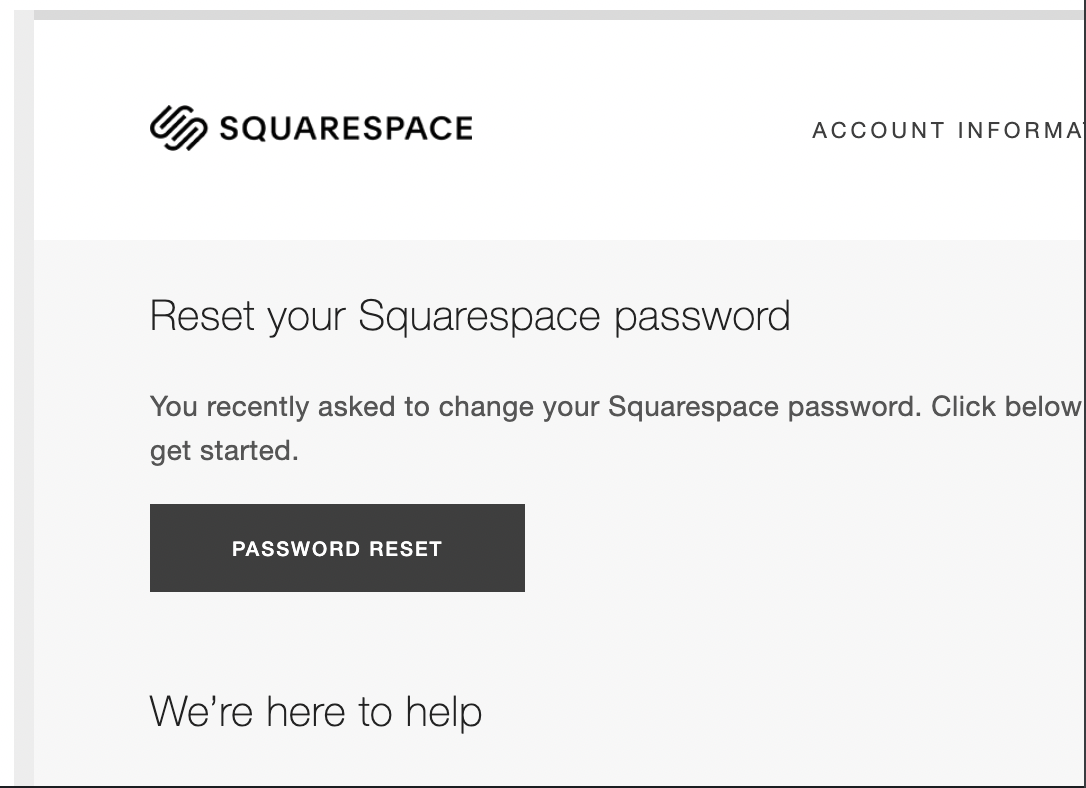
Check your email
Open the link you received to reset the password.
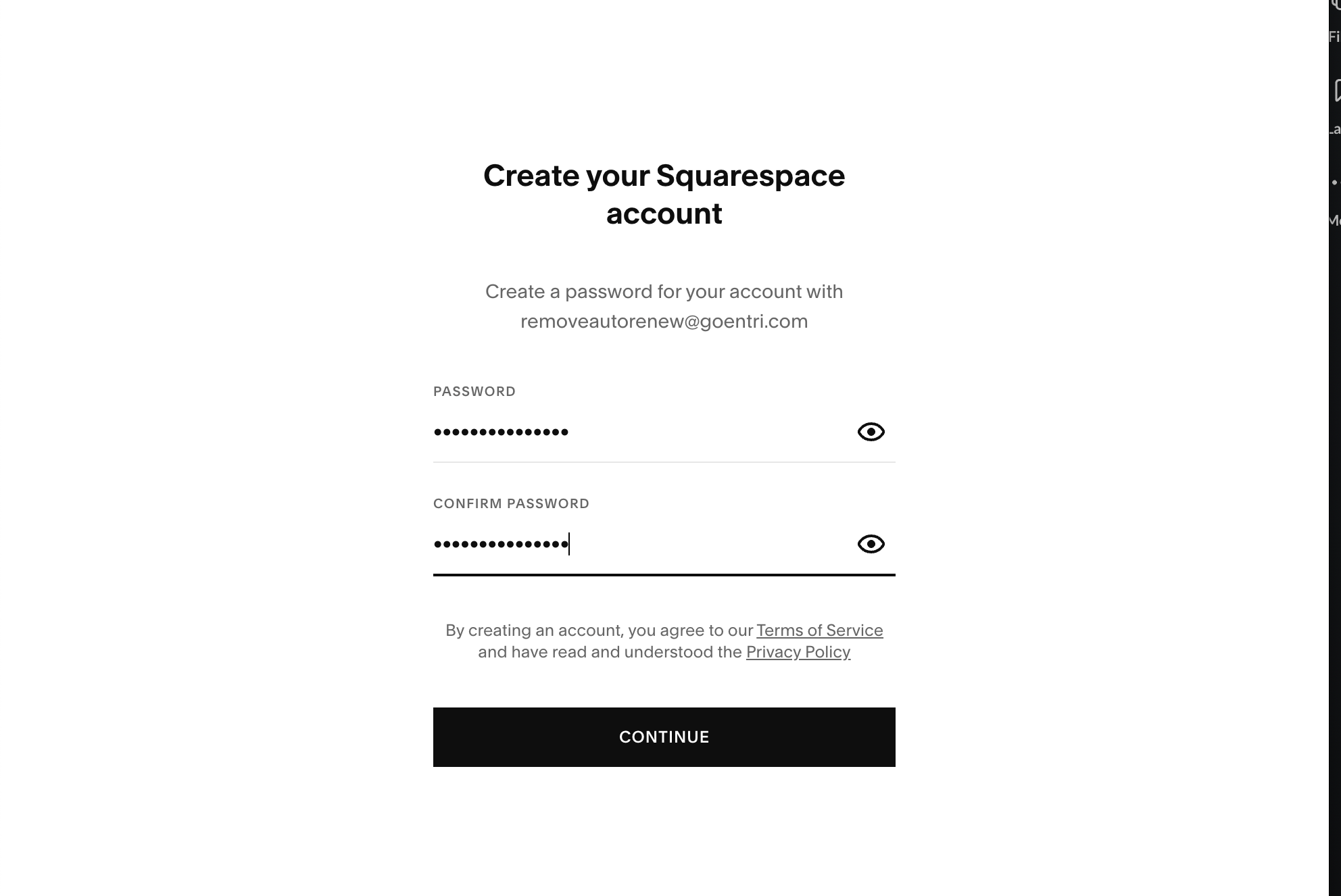
Create a password
Use your email and password to access your Squarespace account.
The next time you need to access it, you just need to use your credentials on the Squarespace login screen.